Figaro 0.4.6 for macOS
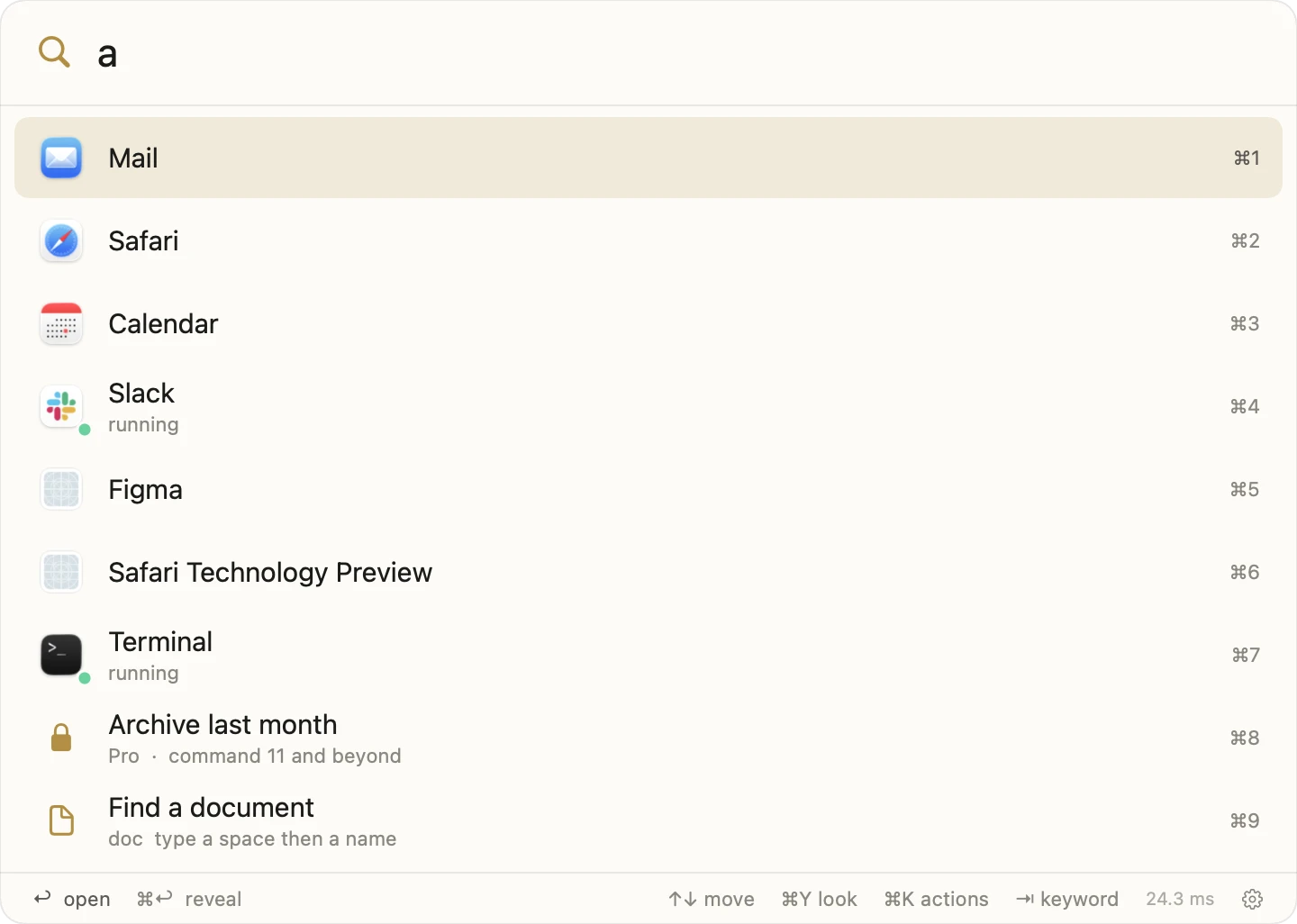
Press the key, type two letters, and you are there: any app, any folder, any command. Figaro keeps its own index, so it answers even while Spotlight is rebuilding. Free for ten commands, with nothing to fill in first.
Apple Silicon Mac, macOS 15 or later · 7.1 MB · Disk image
A window opens with Figaro in it, beside your Applications folder.
Drop Figaro onto Applications. That is what clears the download quarantine, so automatic updates work from the first launch.
Because the app is notarized by Apple, it launches right away. Eject the disk image afterward.
Updates arrive by themselves from then on: Figaro checks quietly, and you can also ask any time from Figaro › Check for Updates. An Epiphani account or a license key unlocks commands eleven and beyond; everything else needs neither.