Keyboard launcher for Mac
Keep your momentum. Your Mac is ready when you are.
Figaro keeps its own index in memory. Your result appears before you finish typing.
Free for ten commands · Pro $39 once · macOS 15 or later

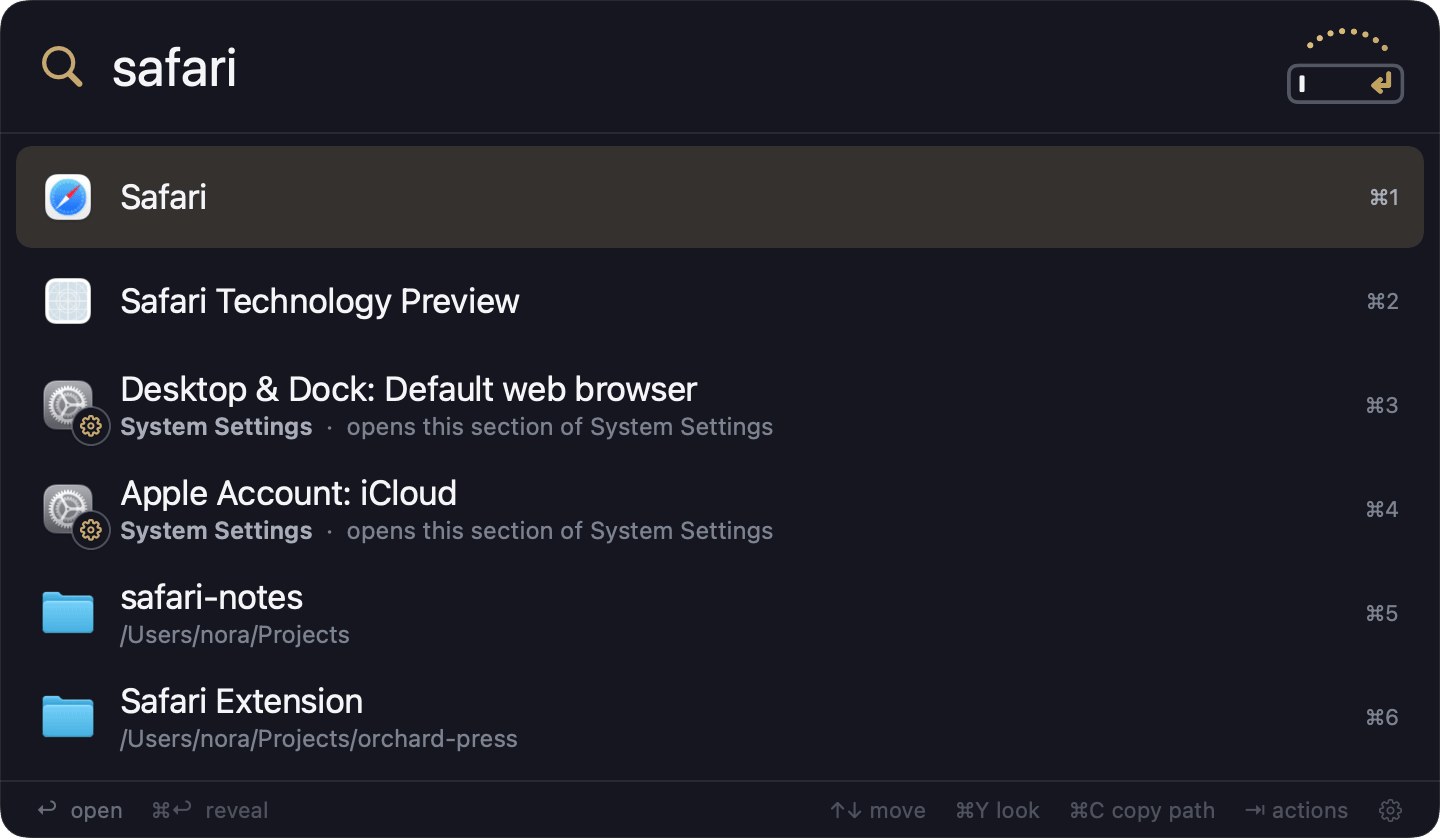
 Safari⌘1
 Desktop & Dock: Default web browserSystem Settings · opens this section of System Settings⌘2
- safari-notes/Users/nora/Projects⌘3
Click the panel and type an app, a folder, or 12% of 340
Why a launcher
You know what you want. Getting there takes clicks.
The app is in the Dock, the folder is three levels deep in Finder, the sum needs Calculator, and the page is in one of a dozen open tabs. Figaro puts them all behind one shortcut: press Command-Space, type a few letters, and press Return.
the Dock › Finder › Applications › double-click
Answers in the panel
Get your answer, then press Return.
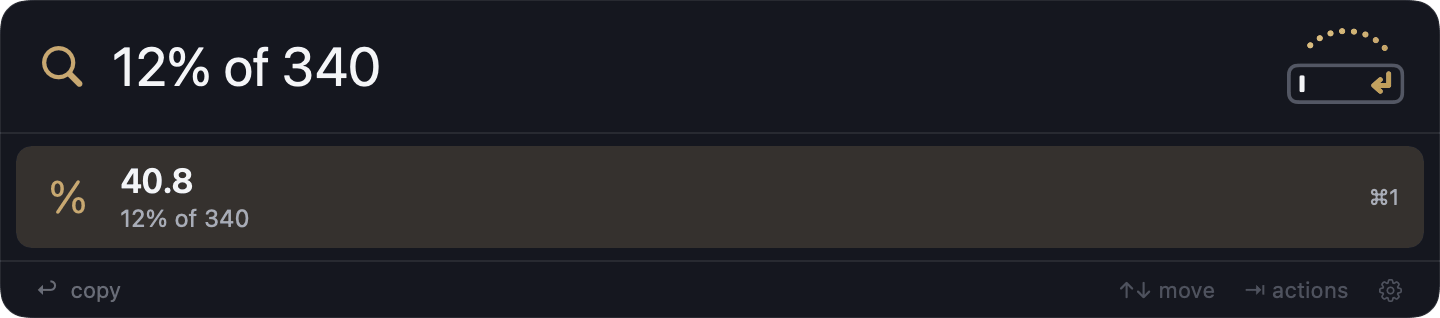
Calculate percentages, variables, roots, and dates, plus 17 kinds of units from data rates to cooking measures. Currency rows use live mid-market rates from Coinbase and refresh on their own. Pro draws the graph of any function.
100 mbps in mb/s12.5 MB/sActual download speed in megabytes10 gb at 100 mbps13 min 20 sHow long the transfer takes90 days from nowa dateDates count from today300 g flour in cups2.5 cupsCooking measures, US cupsgas mark 6 in f400 °FOven settings, any system
Everything it does
Search your Mac from the same field.
Press Command-Space to find apps, folders, answers, commands, tabs, windows, switches, clipboard history, and your AI assistant in the panel.
01 · AppsOpen any app with two letters.
Exact, prefix, initials, then your picks climb.The app you open most for those letters stays at the top, alongside your folders and System Settings panes in the same list.
02 · FoldersBrowse folders in the panel.
Right arrow enters, left arrow steps back out.03 · CommandsRun your scripts in one keystroke.
Twelve command kinds share one JSON file.04 · AnswersGet the number, then press Return.
Math, 17 kinds of units, and live currency rates.05 · Clipboard ProBring back anything you copied.
Option-Y searches 500 items, with pins.

06 · TabsJump straight to the open tab.
Press t and a few letters across seven browsers.07 · WindowsSnap any window into place.
Type left, right, max, center, or display.08 · Mac switchesFlip Mac settings from the keyboard.
Keep Awake, Dock, appearance, and battery.09 · Your AILet your AI run your commands.
Eight connector tools to list, search, run, and add.Measured every time
About three milliseconds, key to row.
Every keystroke ranks 116,211 indexed items and 253 apps in memory. Check your own search time to a tenth of a millisecond in the panel footer or the Health pane.
- 116,211items held in memory
- 253apps in its own catalog
- 7runs behind every figure
MacBook Air (M5), 116,211 indexed items, 9 September 2026. Reproduce it with launcherapp --bench safari, which ships inside the app.
Inside the panel
Search, run commands, get answers.
- Safari⌘1
- Safari Technology Preview⌘2
- Desktop & Dock: Default web browserSystem Settings · opens this section of System Settings⌘3
- Apple Account: iCloudSystem Settings · opens this section of System Settings⌘4
- safari-notes/Users/nora/Projects⌘5
- Safari Extension/Users/nora/Projects/orchard-press⌘6
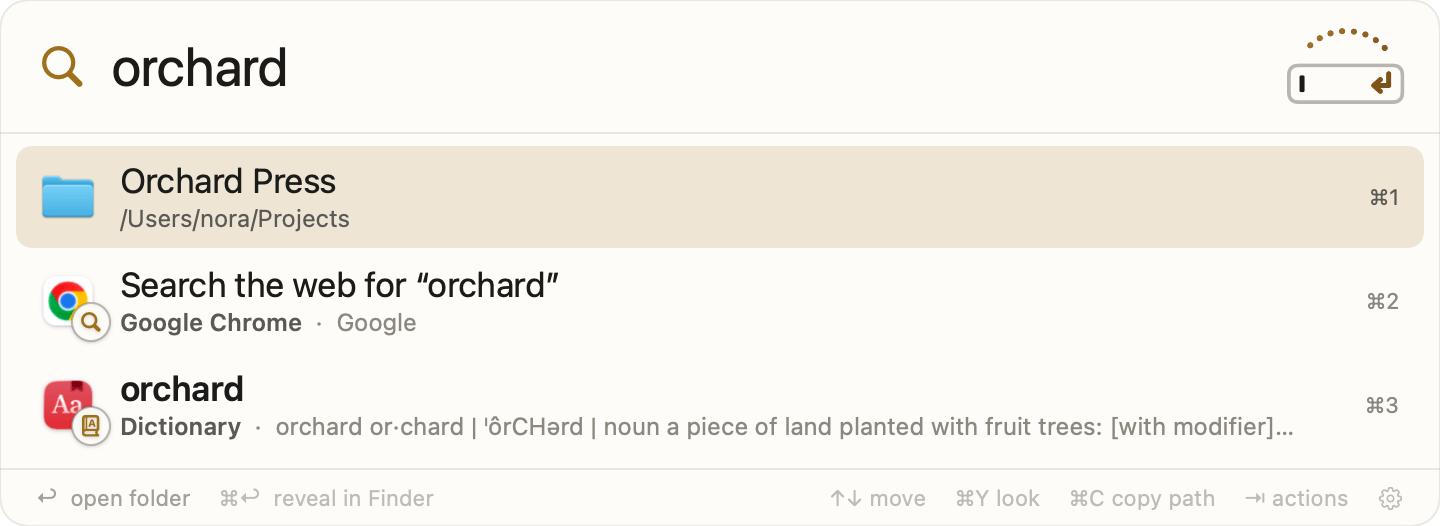
- Orchard Press/Users/nora/Projects⌘1
 Search the web for “orchard”Google Chrome · Google⌘2
 orchardDictionary · or·chard | ˈôrCHərd | noun a piece of land planted with fruit trees⌘3
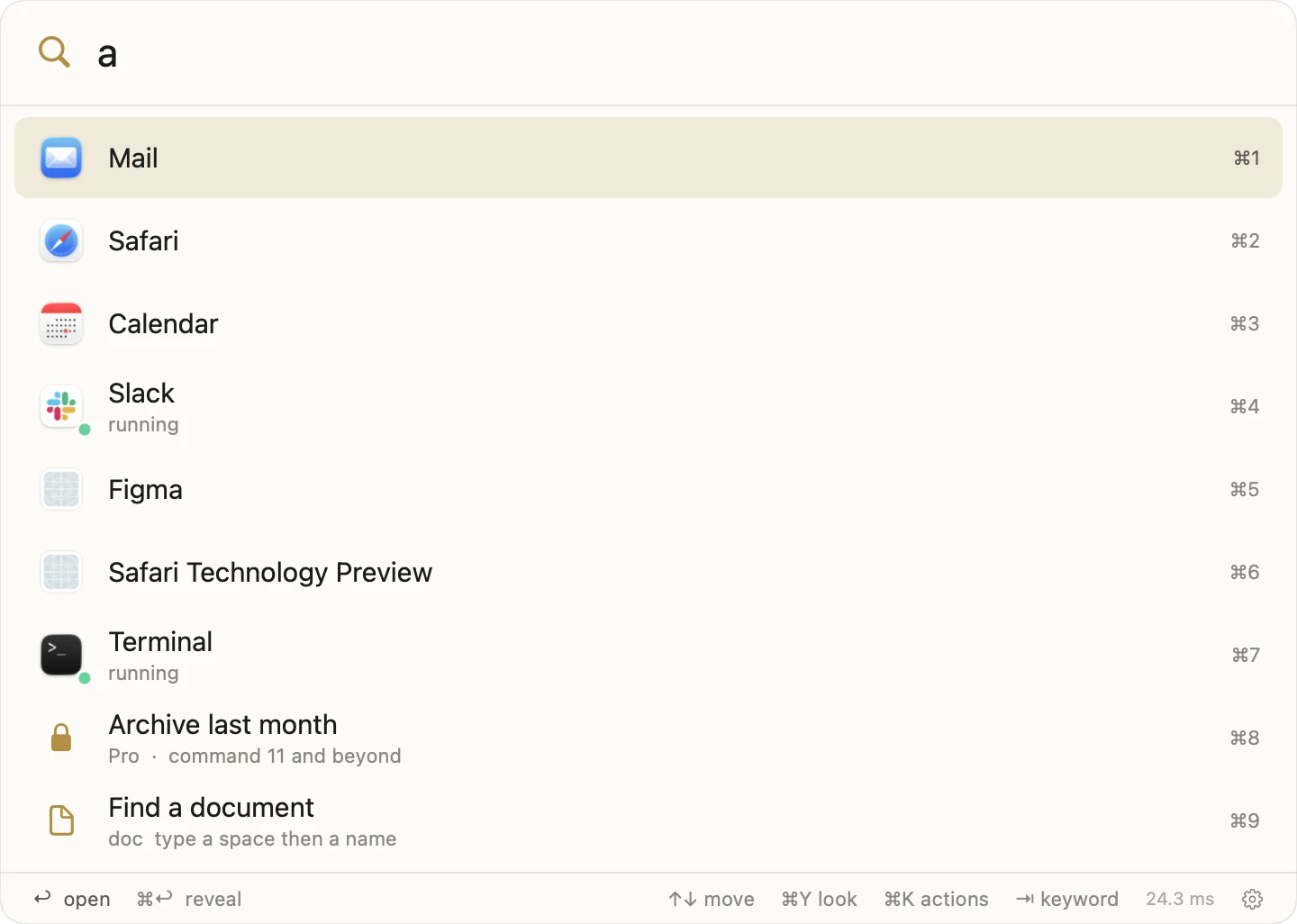
- Mail⌘1
- Safari⌘2
 Calendar⌘3
 Slackrunning⌘4
- Figma⌘5
- Safari Technology Preview⌘6
- Terminalrunning⌘7
- Archive last monthPro · command 11 and beyond⌘8
- Find a documentdoc · type a space then a name⌘9
- 40.812% of 340⌘1
Your own commands
Plain JSON that reloads on save.
Your commands are in one file you own at ~/Library/Application Support/Jump Valet/commands.json. Add links, shell scripts, apps, keyword searches, or system actions. Keep the file in Dropbox or a git repository from Settings. Save a change and it appears in the panel within a second.
- Probring your Alfred keyword workflows in from Settings
- Progive any command its own hotkey, everywhere or in one app
{ "commands": [
  { "id": "g", "name": "Google", "keyword": "g",
    "kind": "search",
    "url": "https://www.google.com/search?q={query}" },
  { "id": "standup", "name": "Open today's standup",
    "keyword": "standup", "kind": "open",
    "url": "https://example.com/standup",
    "hotkey": "cmd+shift+s" },
  { "id": "lock", "keyword": "lock",
    "kind": "system", "action": "lockScreen" }
] }
Works with
Every row shows where Return goes.
Rows that hand work to another app carry that app's icon and name. Type sun mode for DisplayDial, snip for Type Valet, reach for your other Mac, or t for a tab in any browser.
 Turn On Sun ModeDisplayDial · Off now. 2 hours of full brightness, stronger contrast, solid menus⌘1
- Turn On Sun Mode for 30 minutesDisplayDial · Turns itself off after 30 minutes and puts your settings back⌘2
- Turn On Sun Mode for 1 hourDisplayDial · Turns itself off after 1 hour and puts your settings back⌘3
- Turn On Sun Mode for 4 hoursDisplayDial · Turns itself off after 4 hours and puts your settings back⌘4
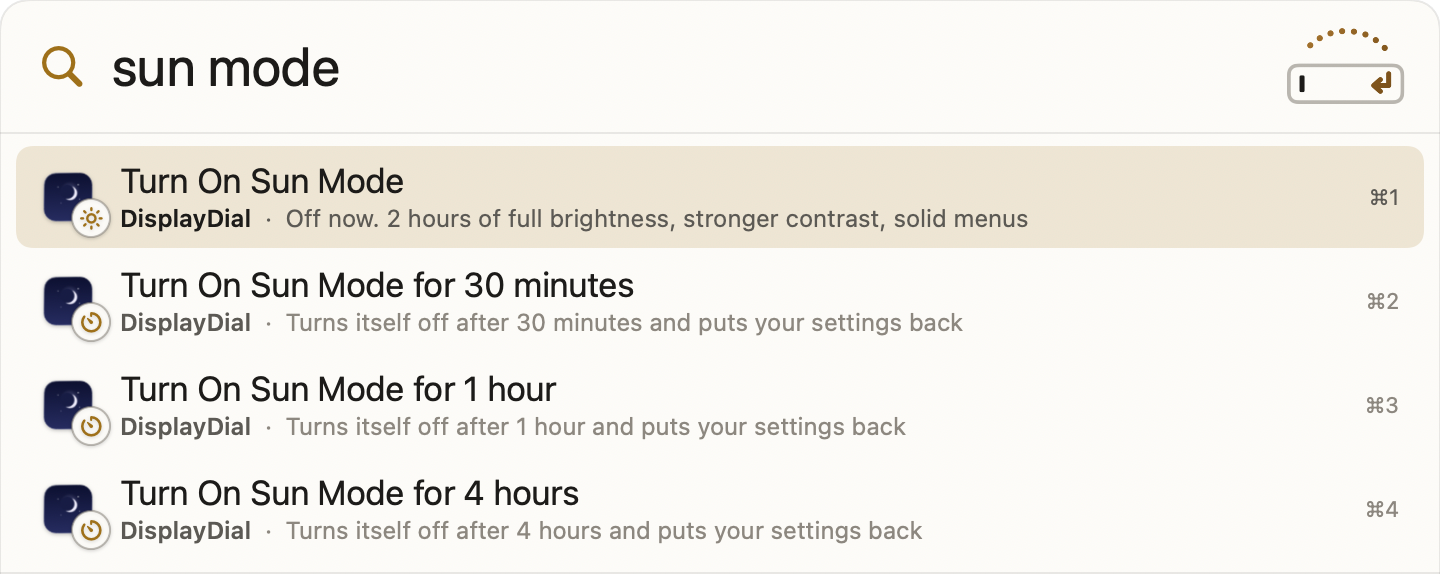
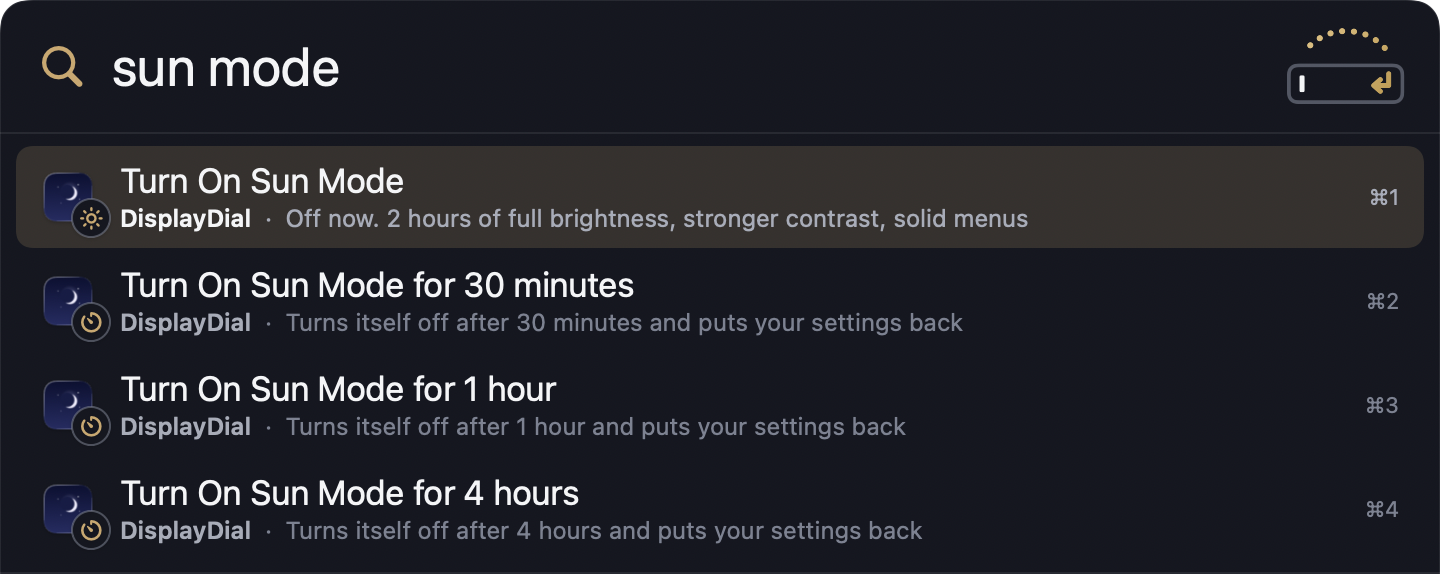
Type sun mode and each row names DisplayDial as the app that runs it.
Epiphani apps

DisplayDial
Type
sun modefor full brightness outdoors, or pause and resume the evening dimming. Each row shows DisplayDial's current state.
Type Valet
Type
snipto search your snippets and paste one where you were writing, or save any clipping as a new snippet.
Reach Desktop
Enter
reachand a device name to connect straight to your other Mac or PC.
PageHawk
Press Return on any PDF in your results to open it in PageHawk, or Command-Return for your default viewer.

Atrium Browser
Open tabs from Atrium appear alongside your other browsers when you press
tand a few letters.

Cachet Contacts or Contacts
Look up anyone with
whoand a name to open their card in Cachet Contacts or macOS Contacts.
StageMenu
Type
chargeto see how many watts are coming from the wall and whether the battery is gaining, holding, or losing charge.
Trip Underway
Type
tripand a few letters to find one of your trips. Press Return to open it in Trip Underway.
Weave Player
Type
weaveand a few letters to find one of your TV or music channels. Press Return to open it in Weave Player.
Built into your Mac

System Settings
Jump straight to any System Settings pane by typing its name, and switch between dark, light, and automatic appearance.
macOS
Restart, shut down, log out, lock, sleep, sleep the displays, start the screen saver, quit every app, or open Force Quit.


Finder and Dock
Eject every disk, empty or open the Trash, toggle hidden files, restart Finder or the Dock, or type a path to open it in Finder.

Screenshot
Capture a selection or a window with a typed command.

Calendar
See what is on your calendar for the next two weeks with
next, or search events by name.
Dictionary
Read a word's definition in the panel with
define, then press Return to open Dictionary.
Everything else

Wispr Flow
Type
fix wisprwhen dictation stops responding to its shortcut. Figaro restarts it and checks that it is listening again.


Your browsers
Type
tto jump to a tab already open in Chrome, Safari, Edge, Brave, Arc, or Vivaldi. Web searches open in your default browser.Any app with a link
Point a command at any URL and the row shows which app will open it on Return.
BetterTouchTool
Type
fix bttto restart BetterTouchTool and check that your gestures and shortcuts work again.
Slack
Type
slackfollowed by a name to open a channel or direct message in Slack. The conversation list comes from slackdump when it is installed.

Phone, Messages, and Gmail
Type
call,text, oremailfollowed by a name. Press Return to call them through Phone or FaceTime, open Messages, or start a Gmail message in Chrome.
You · Turn on sun mode, and save a deploy command while you are in there.
- list_commands18 commands in commands.json
- search "invoice"top row: Invoices, Documents
- run_command "sun mode"ran through DisplayDial
- add_command "deploy"added as command 19
Your AI assistant
Your AI runs your commands too.
Figaro ships a Model Context Protocol connector inside the app. An assistant such as Claude can list your commands, search exactly as the panel does, run a command or a Mac action, and add a new command to your file.
Always opens
Open the panel as soon as you type.
- Hotkey: registered ⌘Space
- App catalog: 253 apps, scanned from disk (no Spotlight)
- File index: 116,211 items in memory
- Secure Input: ON right now (a password field is active); the hotkey still works
- Search time: 3.03 ms median
- Its own catalog
Figaro reads every app bundle straight from disk into its own index. That catalog supplies every answer.
- A hotkey that holds
The panel key is bound through Carbon, so it still opens while a password field has Secure Input on.
- Live numbers in Health
Open Settings, Health to see the current hotkey, catalog, index, and search time.
Compare
See what other launchers cost to own.
Every price below was read from each vendor's own pricing page on 8 September 2026.
| Figaro | Alfred 5 | Raycast | LaunchBar 6 | |
|---|---|---|---|---|
| Paid tier | $39 once | £34 once | $10 per month, or $8 billed annually | $29 once |
| Several people in a household | $59 for five | £59 Mega Supporter | Per person, per month | $49 for five |
| Search index it owns itself | Yes | Uses Spotlight for application search | Yes | Yes |
| Brings in Alfred workflows | Keyword workflows, as commands | Its own workflows | No | No |
| Automations in one file you can copy | One JSON file | Workflow bundles in the preferences folder | Extensions in TypeScript | Action bundles |
Alfred is priced in pounds on its own shop page and shown in pounds; the others are shown in the currency they publish.
Pricing
Ten free commands, and Pro for $39 once.
Buy it once and it is yours on every Mac you sign in on. Major versions are charged separately, and the version you bought keeps working.
Free
- Every app and folder, unlimited
- Answers: math, units, and currency
- Ten commands of your own
- Ink and gold, and Paper
- Quick Look, favorites, browse mode
- Windows, tabs, and Mac switches
Pro
- Everything in Free
- Unlimited commands
- Import your Alfred workflows
- A hotkey for any command
- Clipboard history, 500 items with pins
- Clipboard sync between your Macs
- Graphs of any function
- All 13 skins
Household
- Everything in Pro
- Up to five people in one home
- Pro follows the person, so a new Mac is a sign-in
Figaro is included in Epiphani One and Complete. Both bundles include Figaro Pro: sign in to use it on any Mac. One is $299.88 a year and Complete is $479.88 a year. Each includes every app in the bundle.
See what is in themQuestions
Answers on Figaro.
What happens to my commands if I stop paying?
Pro is a one-time purchase and stays yours. Your command file stays yours and remains intact. On a Mac that is not covered, the first ten commands run, and the rest stay in the panel with a lock.
Which hotkey does it use?
Command-Space. While Alfred, Raycast, or LaunchBar is running, Figaro takes Option-Space and leaves Command-Space to them until you choose. Settings records any chord you like.
Spotlight already has Command-Space. What happens?
Settings has a button that gives Figaro Command-Space and moves Spotlight to Option-Space for you. The Health pane shows which app holds the key right now.
Can I keep using Alfred at the same time?
Yes. Run both on different keys for as long as you like. When you are ready, Settings has a button that quits Alfred and takes the key, and Pro brings your Alfred keyword workflows in as commands.
What does it reach the network for?
Updates, live currency rates from Coinbase, signing in for Pro and settings sync, clipboard sync between your own Macs once you switch it on, and diagnostic reports to Epiphani Studios. Searching answers from the index in memory, which is why it is quick.
Which folders does it index?
On a fresh install, Downloads, Desktop, Documents, Dropbox, and Developer when they exist, plus cloud drives and external drives. Settings, Search lists every root, so you add, remove, or set any of them to folders only.
I have two Macs. Do I buy it twice?
Pro covers every Mac you sign in on. Sign in on a new Mac to use it. Household covers up to five people in one home.
Major versions are charged separately. What does that mean in practice?
The version you bought keeps working and keeps getting fixes. When a major version arrives, it is a new purchase and you decide then, with it in front of you.
What does it need to run?
macOS 15 or later, on a Mac with Apple silicon. Accessibility is asked for when you want a clip pasted into the app in front, a window moved or an app quit; everything else works without it.
How is the 3.03 ms benchmark measured?
Ranking an app query against 116,211 indexed items and 253 apps took a 3.03 ms median on a MacBook Air (M5) on 9 September 2026, and arithmetic took 3.35 ms. Run launcherapp --bench inside the app to measure your own Mac.

Put Figaro under Command-Space.
Download it free for macOS 15 or later and press Command-Space. The app is signed with an Apple Developer ID, notarized by Apple, and updates itself.